How to Automate Tweets in 2026: No-Code, Low-Code, and API Methods
Automate tweets with native scheduling, no-code workflows, or X API integrations; full 2026 guide on which method matches your volume and technical skill.


"Set it and forget it" is a tempting promise, but the right way to automate tweets in 2026 looks less like a vending machine and more like a kitchen prep system: you batch-write content, schedule it across the week, and stay active for the moments that actually matter (replies, real-time engagement). This guide focuses specifically on the technical methods for automating tweets, ranging from native scheduling to no-code integrations to custom API scripts.
By the end you will know exactly which automation method matches your workflow (no-code, low-code, or developer), what each costs, and how to combine multiple methods without triggering X's automation policy. With weekly posts up 8% year over year (15.97 to 17.34 average) according to Metricool's 2026 study, automation is no longer optional for accounts that want to keep up.
The Three Technical Paths to Automate Tweets
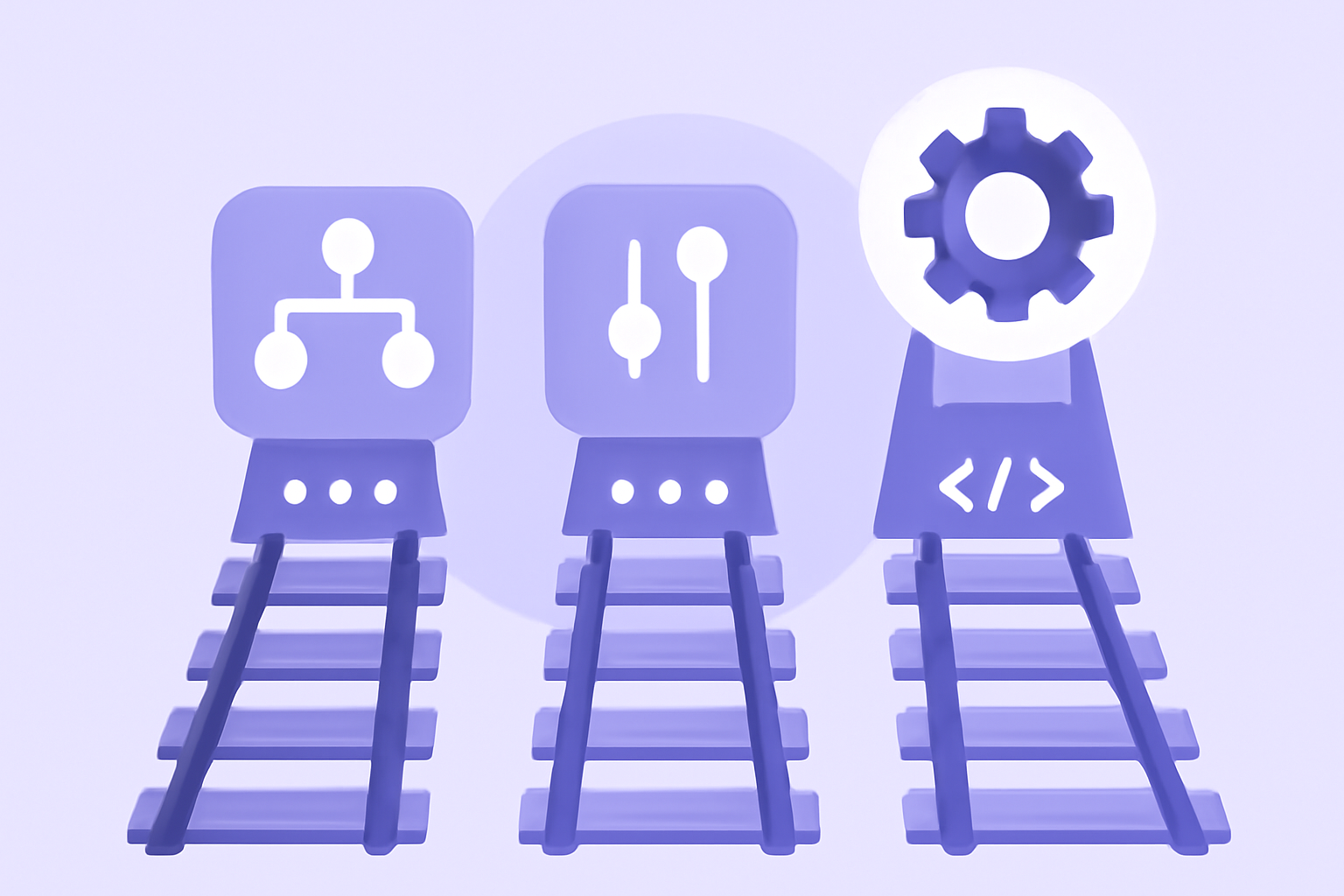
Pick the path that matches your technical comfort and volume.
- No-code path: X native scheduler + third-party scheduling apps (Buffer, Hypefury). Zero technical skill required. Best for solo creators and small teams.
- Low-code path: Workflow tools like Zapier, Make, or IFTTT connect data sources (RSS feeds, spreadsheets, content management systems) to X. Some technical comfort required. Best for content marketers and growth teams.
- Developer path: Direct X API integration via custom scripts or applications. Full technical capability required. Best for developers, agencies with custom workflows, and high-volume publishers.
Most successful X accounts run the no-code path with occasional low-code integrations for specific use cases (auto-publish blog posts as tweets, sync content from a CRM, alert on specific keywords).
No-Code: Native Scheduler + Buffer/Hypefury
The easiest path. Zero code, full feature set.
X Native Scheduler (Free)
Built into the web compose box. Schedule up to 18 months in advance. Supports threads, polls, images, videos. Limitation: single account, no bulk import.
Buffer ($6+/month per channel)
Cross-platform scheduling with X support. Bulk CSV import, custom posting times, queue templates. Best for creators on multiple networks.
Hypefury ($19+/month)
X-focused tool with tweet recycling, AI drafting, and analytics. Manages 1-5 accounts. Best for solo X creators serious about volume.
Hootsuite ($99+/month)
Enterprise scheduling with multi-account, team workflows, and approval chains. Best for agencies and brand teams.
For the average solo creator, Hypefury at $19/month covers 95% of tweet automation needs. Add X Premium ($8/month) for the 2.4x reach multiplier and you have a $27/month complete stack.
Low-Code: Zapier and Make Integrations
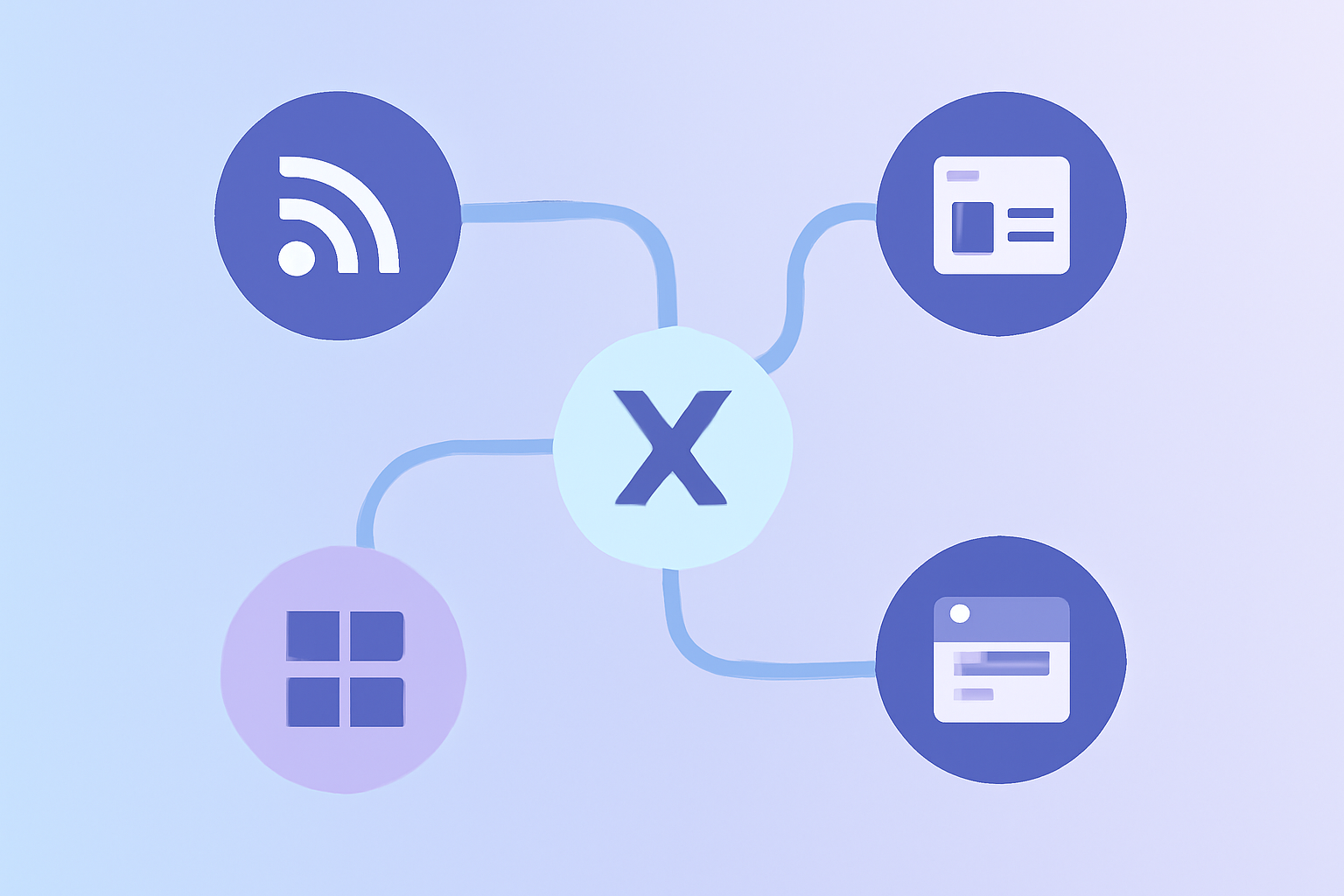
Workflow tools connect X to other apps. Common patterns:
Pattern 1: Auto-Publish from RSS
Zap trigger: New RSS feed item (your blog publishes a post). Action: Compose and schedule a tweet with the title and link. Tools: Zapier ($30/month), Make ($10/month), IFTTT (free with limits).
Pattern 2: Sheet to Tweets
Zap trigger: New row in Google Sheets (your team adds a tweet idea). Action: Add to Buffer or Hypefury queue. Saves manual data entry.
Pattern 3: Newsletter to Threads
Zap trigger: New Substack/Beehiiv post. Action: Break into thread format and queue. Useful for newsletters that want to expand reach.
Pattern 4: Form Submission to DM
Zap trigger: New form submission (lead, support request). Action: Auto-DM the user with a follow-up. Caveat: must be opted-in to comply with X policy.
Low-code tools shine for repetitive cross-app workflows. According to Digital Applied's 2026 marketing report, accounts that connect their blog to X auto-publish see 30-40% higher referral traffic from X than accounts that manually share each post.
Developer: X API v2 Direct Integration
For teams that need full control or high volume.
API Tiers
X API v2 has tiered pricing as of 2026:
- Free tier: 1,500 tweets per month, 50 tweets per 15 minutes. Sufficient for personal bots.
- Basic ($100/month): 3,000 tweets per month, 100 read requests per 15 minutes. Small business or developer-built tools.
- Pro ($5,000/month): 300,000 tweets per month, full read access. Enterprise integrations.
- Enterprise: Custom pricing. Required for serious data analytics and high-volume publishing.
Common Developer Use Cases
Custom AI bots that respond to specific mentions. Automated news bots that publish based on event triggers. Cross-posting from databases or CMSs without intermediate tools. Custom analytics dashboards built on raw API data.
For most accounts, the developer path is overkill. Use no-code or low-code first. Only graduate to direct API when the volume or complexity demands it.
The Automation Tools Landscape
| Tool | Path | Cost | Strength |
|---|---|---|---|
| X native scheduler | No-code | Free | Reliable, no setup |
| Buffer | No-code | $6+/month per channel | Cross-platform |
| Hypefury | No-code | $19+/month | X-focused, tweet recycling |
| Zapier | Low-code | $30+/month | 5,000+ app integrations |
| Make (formerly Integromat) | Low-code | $10+/month | Cheaper than Zapier, visual builder |
| IFTTT | Low-code | Free-$5/month | Simple if-then automations |
| X API direct | Developer | $0-$5,000+/month | Full control |
| Hootsuite | No-code | $99+/month | Agency workflows |
| Xarmy AI Scheduler | No-code | Free to start | AI drafting + community engagement |
For most accounts, layering one no-code tool with one low-code integration is enough. The accounts that win do not stack 5 tools; they pick 2 and master them.
What You Should and Should Not Automate
Five rules separate sustainable automation from the kind that gets accounts restricted.
Always Automate
- Scheduled publishing of pre-written tweets
- Cross-publishing from your blog or newsletter
- Recycling evergreen tweets with varied wording
- Analytics report generation
- Mention alerts
Sometimes Automate
- Reply templates for genuinely repetitive customer service questions (use sparingly)
- Auto-DM for users who explicitly opt in via your funnel
- Bulk import of new follow lists you have manually curated
Never Automate
- Mass follow/unfollow patterns (instant suspension trigger)
- Auto-replies to random tweets (engagement farming flag)
- Auto-likes at scale (automation policy violation)
- Auto-DM blasts to new followers (banned)
- Engagement pods or coordinated mass interactions
According to Sprout Social's 2026 platform report, X tightened automation enforcement in early 2025. Accounts that previously got away with aggressive automation now face restrictions within days.
The Time-Saving Math
How much actual time does automation save?
Manual posting (no automation): 17 tweets per week × 5 minutes per tweet (compose + post + remember to post) = 85 minutes per week. Plus context-switching overhead of 10-15 minutes per session, multiplied across the week.
No-code automated (Hypefury + native scheduler): 1 weekly batching session of 90 minutes for 30 tweets. That is 3 minutes per tweet, but consolidated into focused time. Engagement reply time on top: 30 minutes per major post.
Low-code automated (Zapier + Buffer + RSS): Setup takes 2 hours initially. Ongoing maintenance is 15-20 minutes per week. Output: 15-20 tweets per week auto-generated from your other content.
For most accounts, automation doubles or triples output while cutting active time in half.
Mistakes That Break Automated Tweet Workflows
Five patterns that derail otherwise solid setups.
1. No Variation in Recycled Tweets
Reposting the same tweet verbatim every 30 days flags as duplicate content. Always rewrite the wording, change the angle, or add new context.
2. Burst Scheduling
Queueing 10 tweets within a 1-hour window looks like a bot to the algorithm. Spread posts across the day, even when batching.
3. Missing Engagement Windows
Scheduling a tweet and disappearing for the next 12 hours kills engagement velocity, the strongest algorithmic signal. Always block reply time after major posts.
4. Wrong Timezone Configuration
Default settings in Buffer or Hootsuite often use UTC. Confirm your scheduler uses your audience's primary timezone.
5. Ignoring Analytics Feedback
Running the same automation for 6 months without checking what is performing is a waste of automation's biggest benefit (data-driven iteration). Review weekly. Our Twitter analytics guide covers the metrics that matter.
Combining Automation with Real Engagement
The most underrated part of any automated workflow is the engagement layer. Automation handles volume; manual engagement handles the velocity. Replies grew 21% year over year on X in 2025, and the algorithm increasingly rewards conversational accounts over broadcasters.
Top creators block 30-minute engagement windows after each major scheduled post. They reply to early comments, quote-tweet related conversations, and engage with peers in their niche. The automation gives them the time to do that.
For deeper engagement velocity, our AI-powered platform pairs your automated scheduling with real engagement from 10,000+ verified creators, delivering the first-30-minute signal that triggers algorithmic amplification.
Frequently Asked Questions
Is it against the rules to automate tweets?
Scheduling and posting automation is fully allowed by X. Banned automation includes mass follow/unfollow, auto-engagement (likes/retweets at scale), auto-DM blasts, and duplicate content across multiple accounts. The line is "automation around posting" (allowed) versus "automation of engagement" (mostly banned).
What is the simplest way to automate tweets?
X's native scheduler in the web compose box. Click the calendar icon, pick a time, and X handles the rest. Free, unlimited, no third-party tool required. For more advanced needs (bulk import, multi-account, AI drafting), Hypefury at $19/month is the most popular X-focused tool.
Can I connect my blog to X for auto-publishing?
Yes. Use Zapier or Make to connect your blog's RSS feed to Buffer, Hypefury, or X's native scheduler. New posts auto-publish as tweets with title, summary, and link. Most setups take 15-20 minutes to configure. Accounts using auto-publish see 30-40% higher X-to-blog referral traffic versus manual sharing.
When you automate tweets the right way, you trade context-switching time for compounding consistency. Pick a no-code stack that fits your volume, layer engagement on top, and ship 2-3x more content with less effort. Try our AI-powered platform for free to combine smart automation with real engagement from 10,000+ verified creators, the formula that consistently turns automated volume into algorithmic reach.